

Your first job
Your first job collects the top stories from Hacker News every weekday morning and saves them as a Markdown file. It needs internet access and no credentials, and if it breaks, nothing pages you at 3 a.m. You need a signed-in instance with a working model, as set up in Installation.
Describe the job
Section titled “Describe the job”Open Jobs → New job and paste this description into Describe the job:
Every weekday at 7:00 New York time, get the current top 10 stories from the official Hacker News API at https://hacker-news.firebaseio.com/v0/.Save them to /ump/outputs/hn-top.md as a Markdown list with each story's title, score, comment count and link.Output top_story_id (integer) and top_score (integer).The description names the task, the time with its time zone, where the result goes and which values to report.
The agent reaches the API with curl, which the default sandbox image includes, so the job needs no MCP server.
Click Compile or press ⌘ + Enter (Ctrl + Enter on Linux and Windows). In 10 to 60 seconds, the utility model turns the description into a spec, the structured form of the job that you review next. If you see Compiling failed, check the model setup under Connect a model, or click Fill in manually to write the spec yourself.
Review the spec
Section titled “Review the spec”The review screen shows the spec in cards you can edit, and a Ready to save? summary beside them.
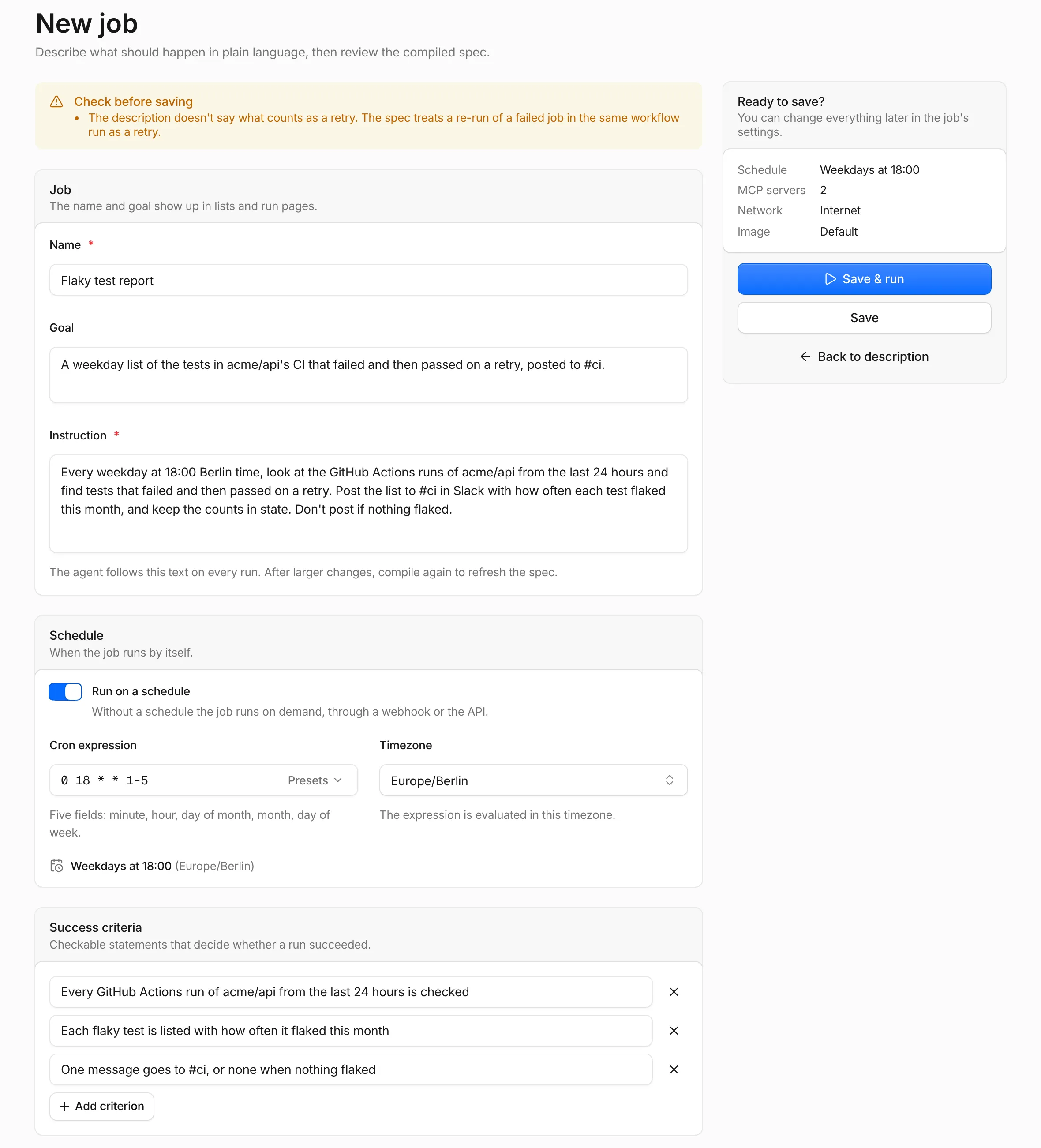
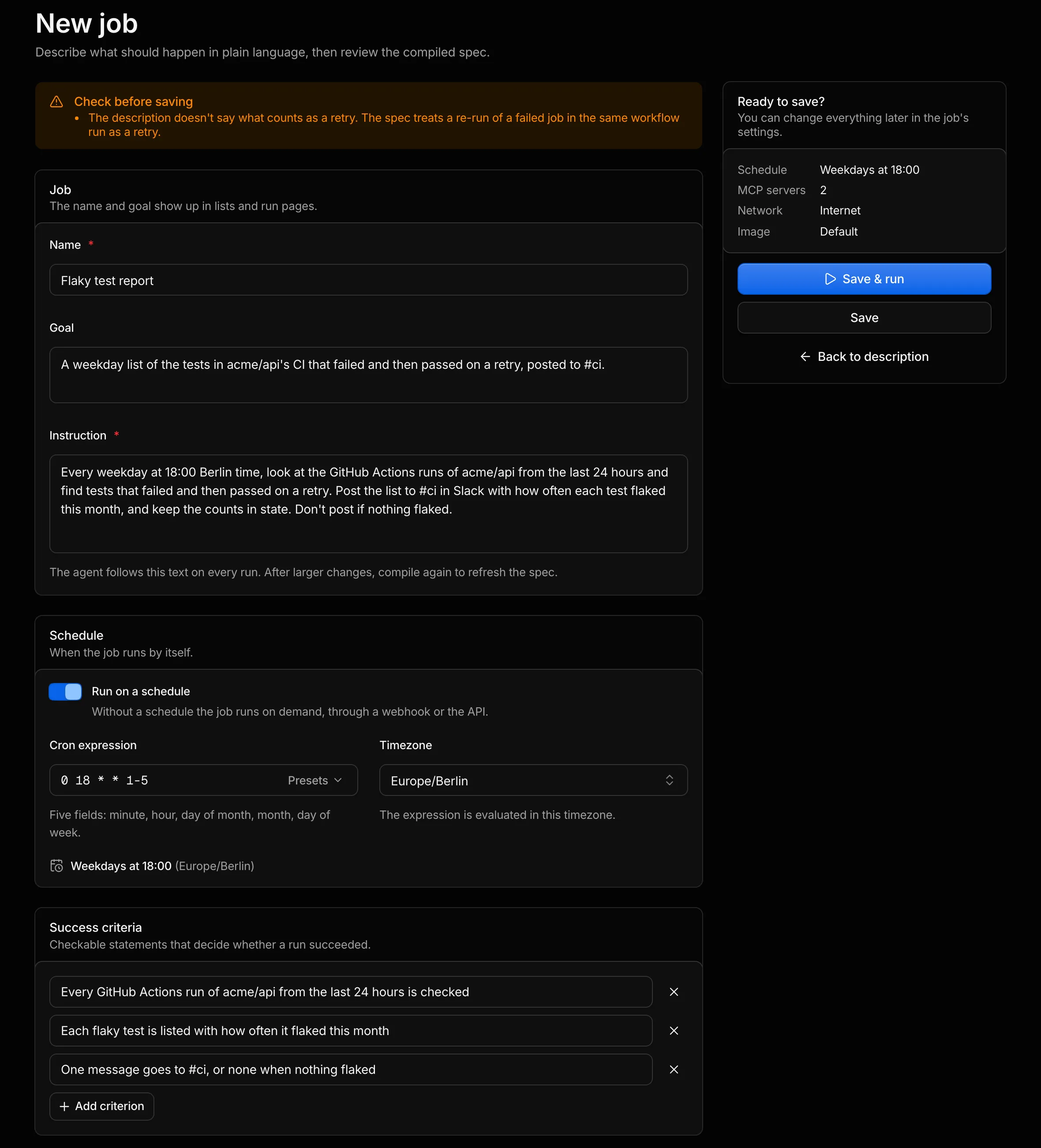
Go through the cards from the top:
- Check before saving, if it appears, lists the compile step’s warnings.
A warning such as
Mentions Hacker News, but no MCP server with that name is configured.is harmless for this job. - Job holds the Name and Goal, which show up in lists and on run pages, and the Instruction, which the agent reads on every run.
- Schedule shows “every weekday at 7:00” as the Cron expression
0 7 * * 1-5in the TimezoneAmerica/New_York. Fix either field if the compile step got it wrong. The Presets menu next to the expression covers the common schedules, and the compile step picks UTC for a description that names no time zone. - Success criteria lists what a successful run delivers, for example a file with ten stories. The agent reads the criteria along with the instruction.
- Inputs and outputs lists the outputs
top_story_idandtop_score, small values that each run reports and Umpteenth tracks across runs. This job takes no inputs. - MCP servers lists the services the job talks to and the configured servers that match them. If Hacker News shows up there as Not configured, leave it: the job needs no server.
- Environment has Network on Internet access and Custom environment off, because
curlandjqcome with the default image. - Side effects stays empty, since the job changes nothing outside its sandbox.
Save and run
Section titled “Save and run”Click Save & run. Umpteenth creates the job and opens the page of its first run.
New jobs start enabled, so Umpteenth runs this one every weekday from now on. Self-improve is on too, so reflection follows the job’s runs and spends model tokens of its own. You can pause the job with the Enabled switch on the job page, and Managing jobs covers the rest of its settings.
Watch the run
Section titled “Watch the run”The run page header shows the status and mode, then a row of stats: Duration, Cost, Tokens, Turns, Model, Sandbox, Playbook and Image. Your first run starts in Explore mode, because the job’s playbook is empty.
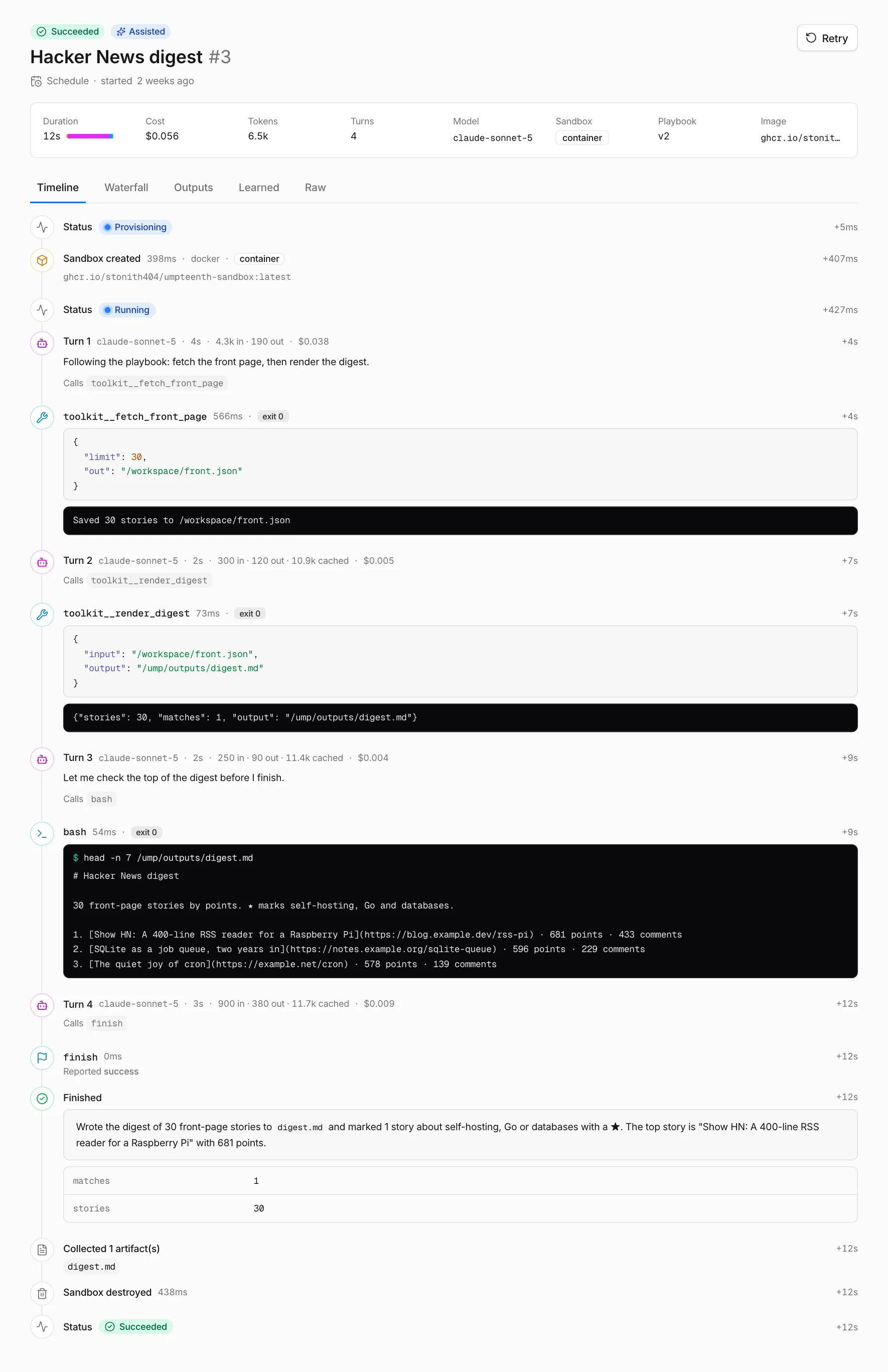
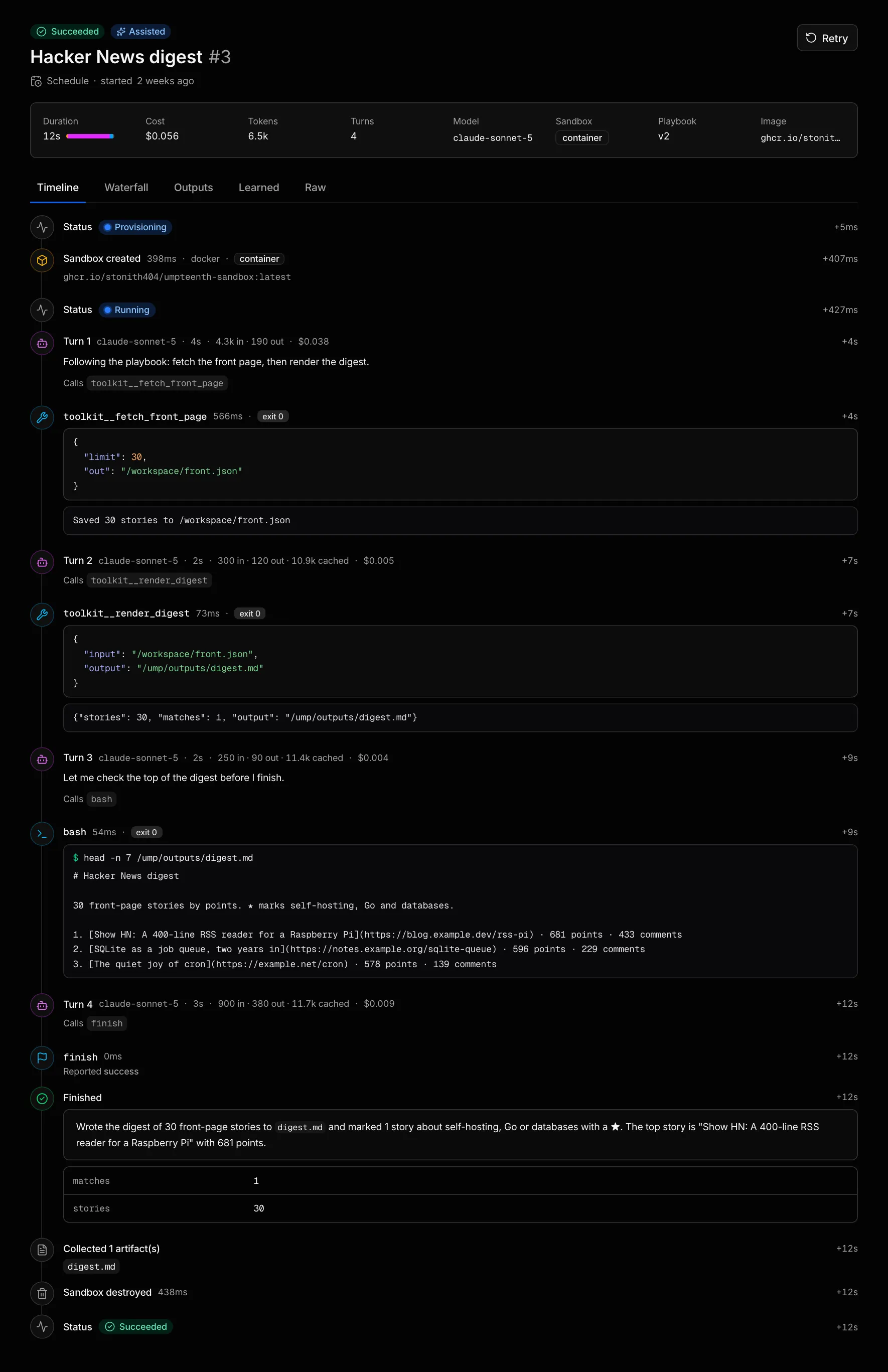
The Timeline tab streams the run as it happens. Each model turn shows its text with the tokens and cost it used, and each command shows its output. The Finished step at the end holds the agent’s summary and outputs. Cancel in the header stops a live run and destroys its sandbox.
A run that reaches its time limit, 15 minutes by default, ends as Timed out. Reaching the turn limit (60) or the cost limit ($2) ends it as Failed. You can change all three per job or for the whole workspace, as Managing jobs describes.
Read the result
Section titled “Read the result”Open the Outputs tab once the run has finished.
Summary holds the report the agent wrote when it finished, and Outputs shows top_story_id and top_score.
The Markdown file sits under Artifacts as hn-top.md, with a download button.
Input and Run instructions show what the trigger passed to the run, which is nothing in this case.
Reading a run explains the other tabs, including Waterfall and Raw.
See what it learned
Section titled “See what it learned”Switch to the Learned tab. The tab shows Reflecting on this run until reflection finishes, and the page updates on its own.
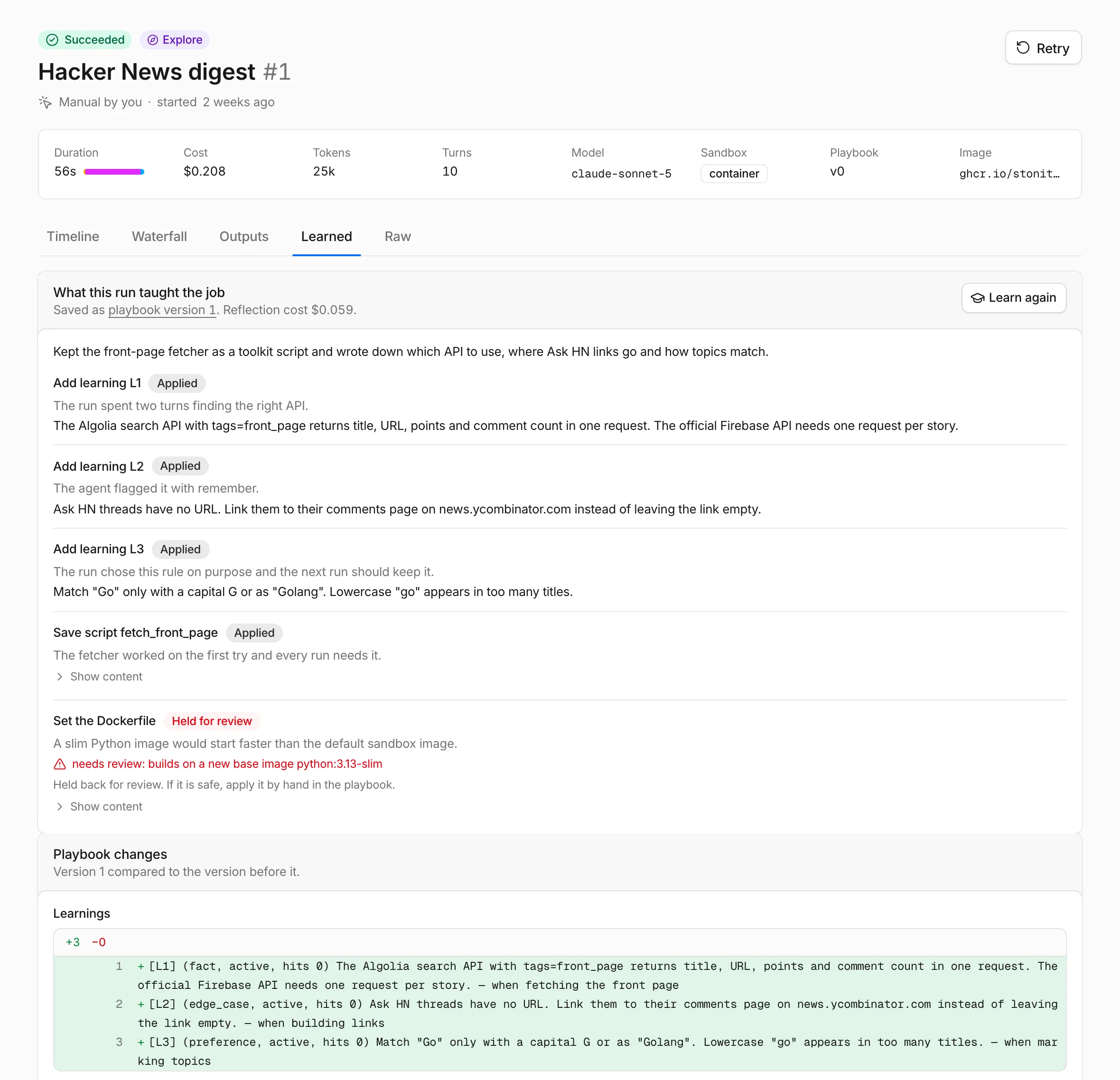
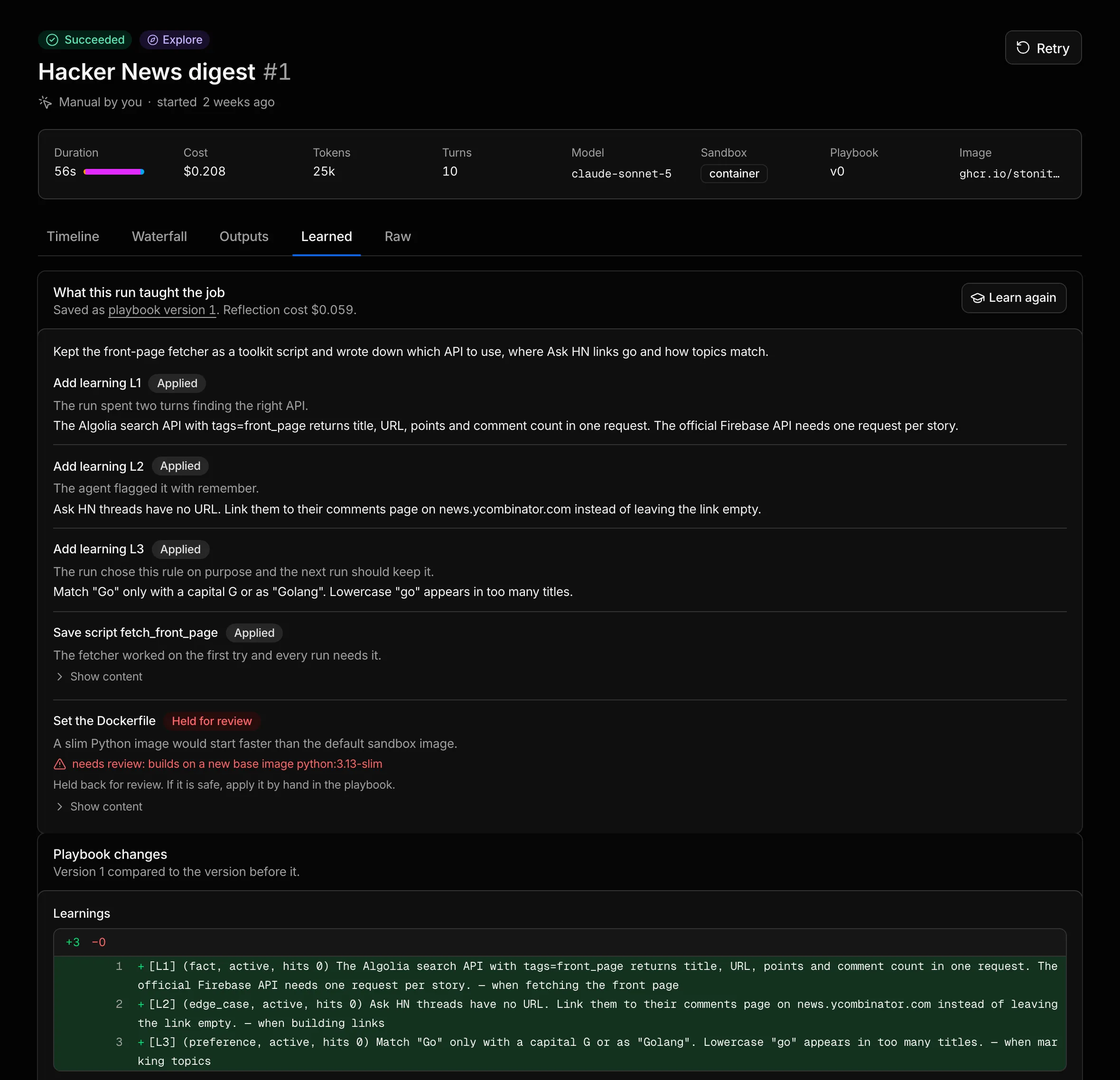
The What this run taught the job card lists each change reflection proposed, such as a learning about the API or a toolkit script that fetches the stories. A badge marks each one as Applied, Held for review or Rejected, and the card shows what the reflection cost. Playbook changes shows the new playbook version next to the one before it.
Once reflection has saved a version with learnings or scripts, the job page shows Playbook v1 and Runs as Assisted, and its Playbook tab lists what the job learned. Nothing learned from this run yet on the Learned tab means Umpteenth skipped reflection for this run, and Learn from this run starts it by hand.
Run it again
Section titled “Run it again”Go back to the job page, click Run now and confirm with Run now in the dialog. Leave Extra instructions and Input empty, since both are optional.
With a playbook in place, the second run starts in Assisted mode. If reflection saved a toolkit script, the agent can call it as a tool instead of working out the API again. Compare the two runs on the job’s Runs tab, which lists Mode, Duration, Tokens and Cost, and check Turns in each run’s header.
Once three successful Assisted runs in a row have called the same toolkit scripts in the same order, each with at most two shell commands that do more than read files, reflection can write a main script, and later runs show Scripted. You can wait for the weekday schedule or click Run now a few more times. The Graduation chart on the job’s Overview tab plots the cost and duration of each run, colored by mode. The full graduation rules are on How jobs learn.