

Triggers and schedules
A run starts in one of five ways: Run now on the job page, the job’s schedule, its webhook, the REST API, or Retry on an earlier run. The run page and the Runs list label each run with its trigger: Manual, Schedule, Webhook, API or Retry. Umpteenth drops the schedule and webhook triggers of a paused job, and the job’s overlap policy sets what happens while another of its runs is active.
Run now
Section titled “Run now”Run now in the job header opens a dialog with two optional fields, and both apply to this one run.
In Extra instructions you add guidance for this run, up to 10,000 characters, such as “Only look at pull requests opened this week”. The agent reads it in its first message, after the job’s own instruction. A graduated job’s main script never reads it, so in a Scripted run the text matters only if the agent takes over.
Input takes JSON, which lands in the sandbox as /ump/input.json.
The dialog pre-fills a template with the inputs the job declares, and the agent sees the input in its first message too.
The run page opens as soon as the run exists. If the job’s overlap policy skipped it, you see the notice “Skipped, because another run of this job is still active”.
Schedules
Section titled “Schedules”Turn on Run on a schedule in the Schedule card of the job’s Settings tab.
The switch fills in 0 9 * * * and your browser’s time zone to start with.
Cron expression takes five fields (minute, hour, day of month, month, day of week) or a descriptor such as @daily, @weekly or @hourly.
Cron expressions are easier to write than to read, so the Presets menu covers the common ones and the card repeats your schedule in plain words, such as “Weekdays at 08:00 (Europe/Berlin)”.
There is no seconds field, so the tightest schedule is once a minute.
Umpteenth refuses a few things other cron tools accept:
@everyintervals such as@every 5m- a
TZ=orCRON_TZ=prefix, since the time zone has its own field - an expression that never fires, such as
0 9 30 2 *
Timezone takes an IANA name such as Europe/Berlin, and Umpteenth evaluates the expression on that zone’s wall clock.
A schedule without a time zone runs in UTC.
On the night the clocks spring forward, a time inside the skipped hour fires an hour later (2:30 becomes 3:30), and on the night they fall back, a time inside the repeated hour fires once.
The schedule survives restarts. If Umpteenth was down when an occurrence came due, the job runs once as soon as Umpteenth is back, however many occurrences it missed. A paused job ignores its schedule, and the occurrences it skipped don’t catch up (Managing jobs).
Webhooks
Section titled “Webhooks”To start a run from another system, send an HTTP POST to the job’s webhook. The request body becomes the run’s input.
-
Open the job’s Settings tab and find the Webhook card. A new job shows No token, and its webhook refuses every call until you create one.
-
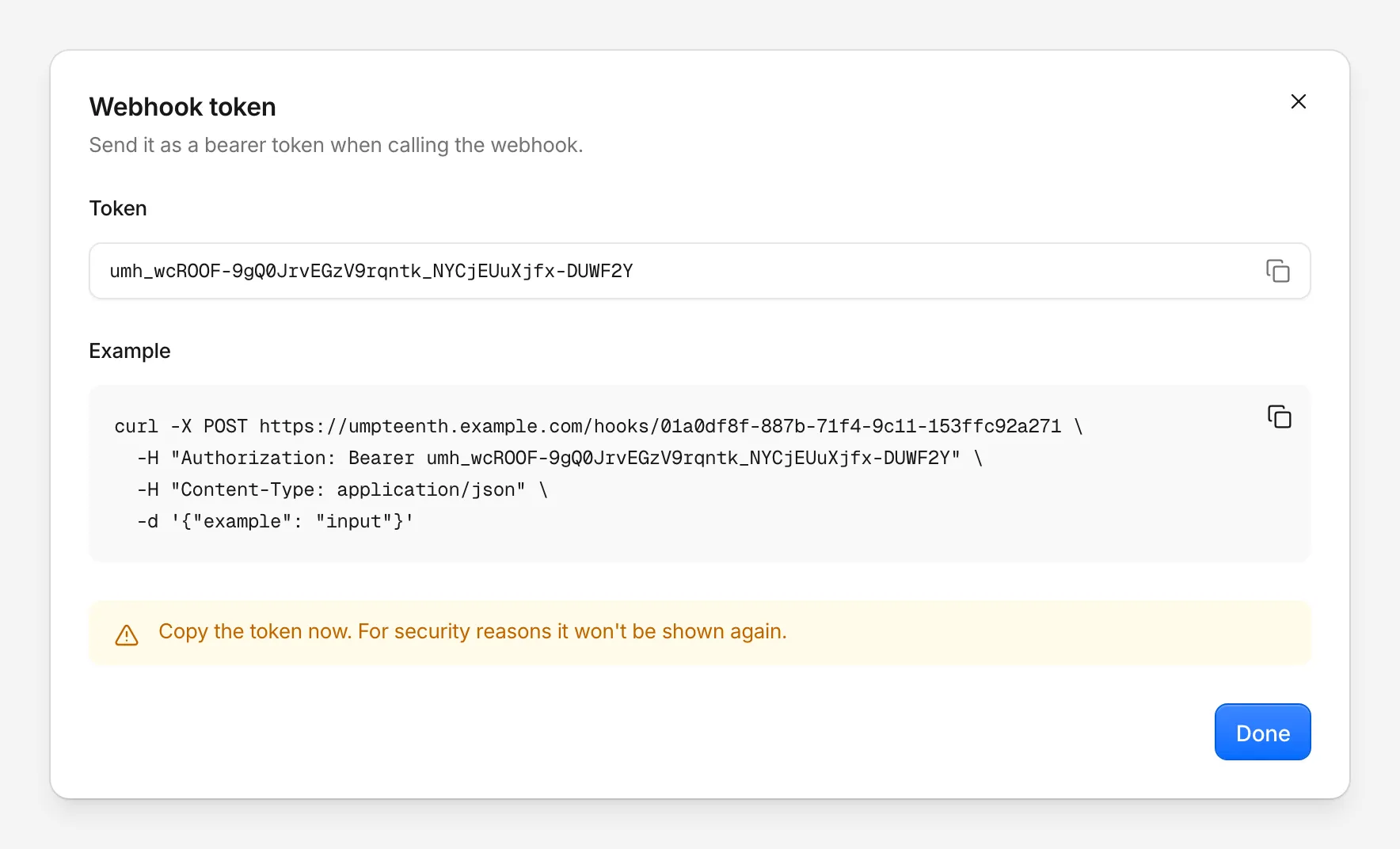
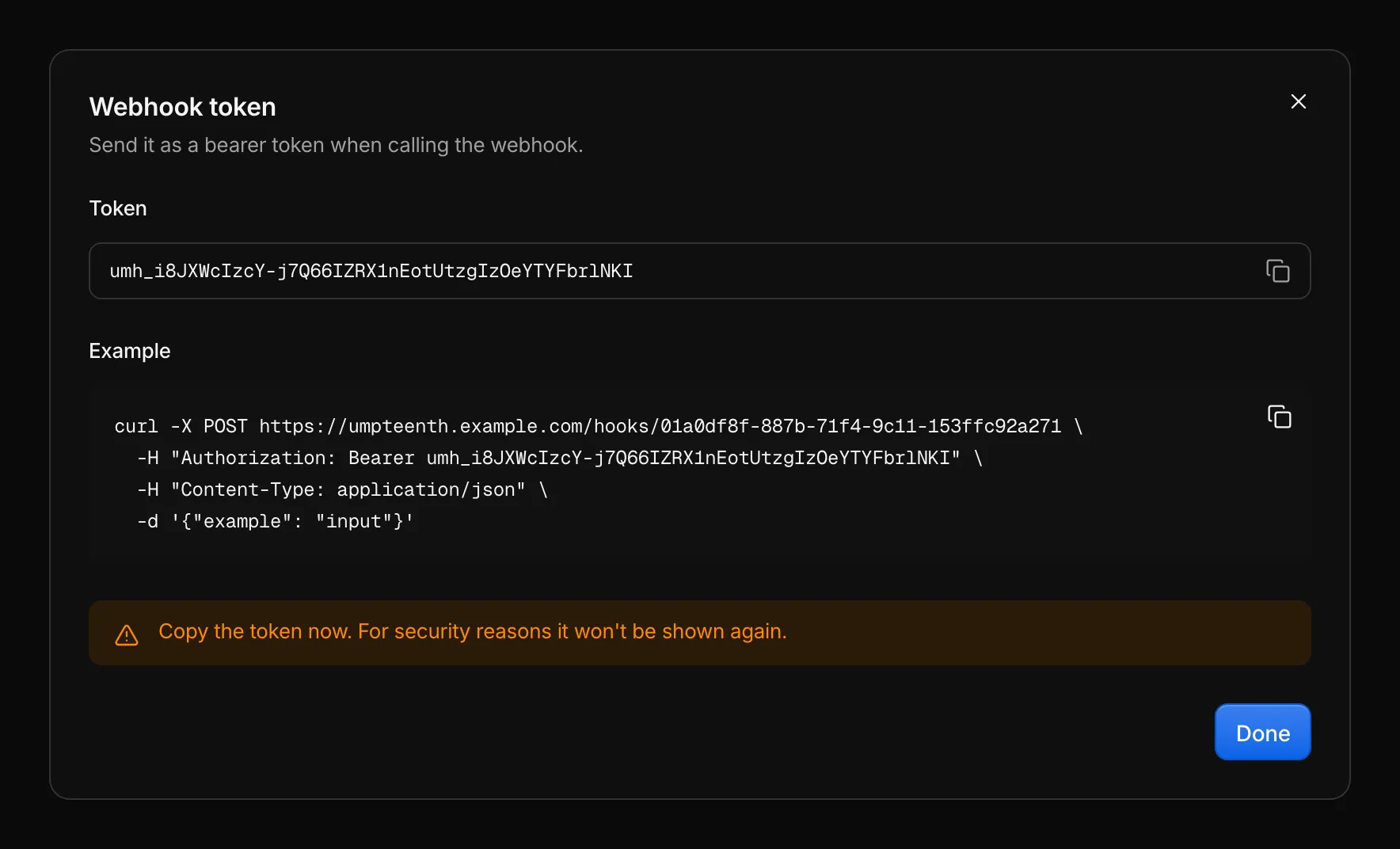
Click Generate token. The Webhook token dialog shows the token, which starts with
umh_, and an example call. Copy the token now, since Umpteenth shows it only this once. -
Call the URL from the card,
https://umpteenth.example.com/hooks/<job ID>, with the token as a bearer token.
curl -X POST "https://umpteenth.example.com/hooks/$JOB_ID" \ -H "Authorization: Bearer $WEBHOOK_TOKEN" \ -H "Content-Type: application/json" \ -d '{"tag": "v2.4.0"}'The body is optional and takes up to 1 MiB.
Umpteenth writes a JSON body to /ump/input.json as it is and wraps anything else in a JSON string.
An empty body gives {}.
The webhook has no field for extra instructions, so anything a run needs goes into the body.
A successful call answers {"runId": "…", "status": "queued"}, with "skipped" as the status when the overlap policy skipped the run.
Other answers have these causes:
| Answer | Cause |
|---|---|
200 with {"runId": "", "status": "skipped"} |
The job is paused, and Umpteenth records no run |
401 “Token is invalid or expired” |
The token is wrong or missing, or someone deleted the job. API tokens don’t work here |
429 with a Retry-After header |
More than 60 calls a minute, or a burst of more than 30, for this job |
Rotate token replaces the token, and the old one stops working at once. Update every caller right after you rotate.
From GitHub Actions
Section titled “From GitHub Actions”GitHub’s repository webhooks can’t send an Authorization header, so call the webhook from a workflow step instead.
Store the webhook URL as a repository variable and the token as a repository secret:
on:  release:    types: [published]
jobs:  release-notes:    runs-on: ubuntu-latest    steps:      - name: Start the release notes job        run: |          curl -fsS -X POST "${{ vars.RELEASE_NOTES_WEBHOOK_URL }}" \            -H "Authorization: Bearer ${{ secrets.RELEASE_NOTES_WEBHOOK_TOKEN }}" \            -H "Content-Type: application/json" \            -d '{"repository": "${{ github.repository }}", "tag": "${{ github.event.release.tag_name }}"}'
With -f, curl turns a 401 or 429 into a failed workflow step, so you notice a rotated token.
The API
Section titled “The API”Scripts and other services start runs with POST /api/jobs/<job ID>/runs and an API token from Settings → API tokens.
The body takes the same two optional fields as Run now, input and instructions, and the answer has the webhook’s shape.
These runs show the trigger API, and a paused job accepts them.
For tokens and the rest of the API, see REST API.
Retrying a run
Section titled “Retrying a run”Retry on the page of a finished run (Reading a run) starts a new run of the same job with the same input and extra instructions. The new run uses the job’s current playbook and settings and shows the trigger Retry. It passes the same checks as any other trigger: a paused job accepts it, and a busy job under Skip skips it.
Overlapping runs
Section titled “Overlapping runs”The When runs overlap setting in the Schedule card sets what happens to a trigger that arrives while another run of the job is active:
- Skip, the default, records the new run as Skipped with “Skipped because another run of this job was still active”.
- Queue holds the new run as Queued until the active run ends, whatever the outcome. Queued runs start one at a time, in the order of their triggers, and survive a restart.
- Parallel starts every run right away.
The policy covers every trigger, Run now and Retry included. Runs in Parallel share the job’s state, so they can overwrite each other’s values.
Apart from the policy, each Umpteenth replica executes at most runs.max_concurrent runs at once, 3 by default.
Runs beyond that wait as Queued until a slot frees up, and their timeout starts when they do.
Change it in config.yml or with the RUNS_MAX_CONCURRENT environment variable (Configuration).
With several replicas, each one runs that many (High availability).